 783 free
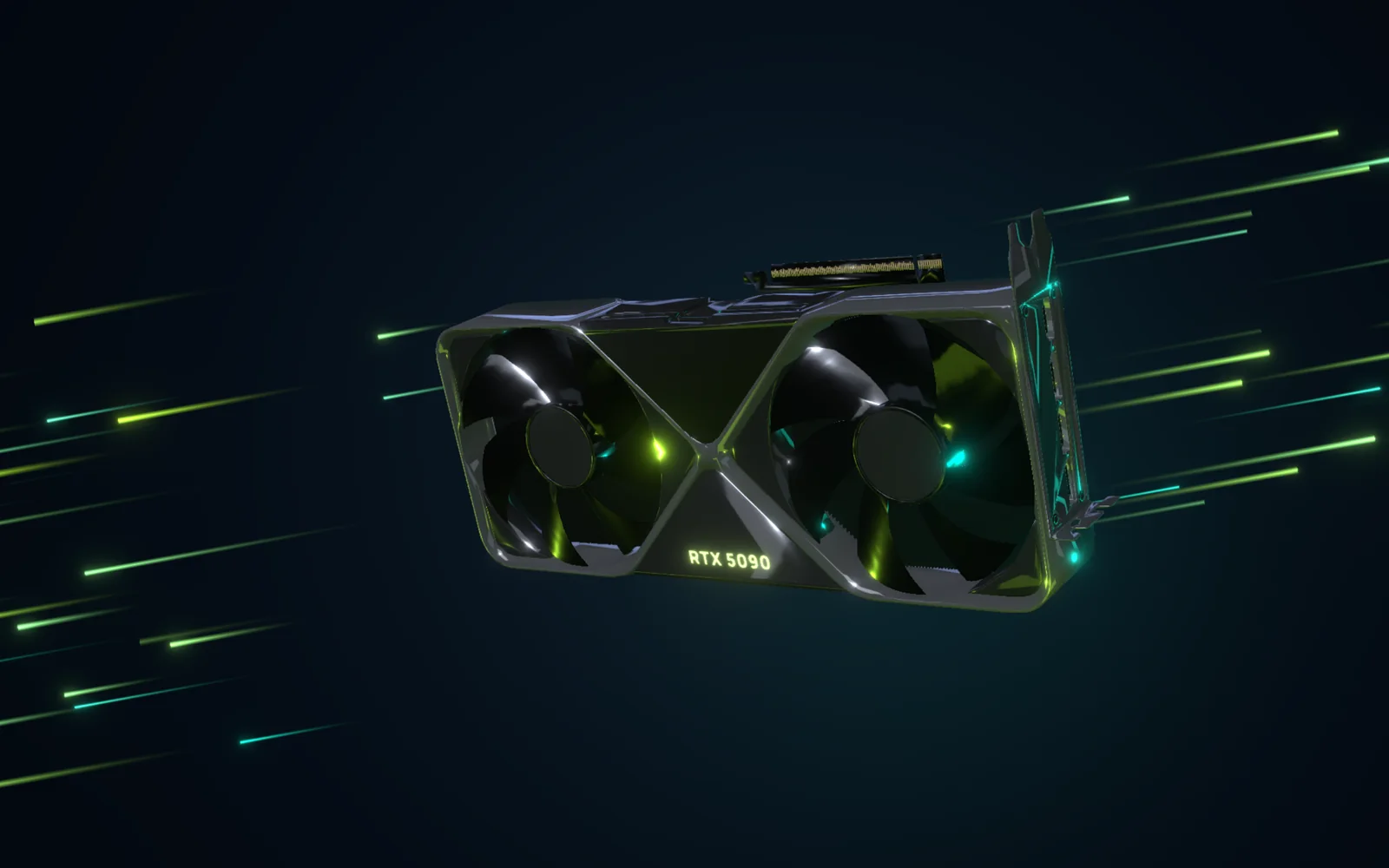
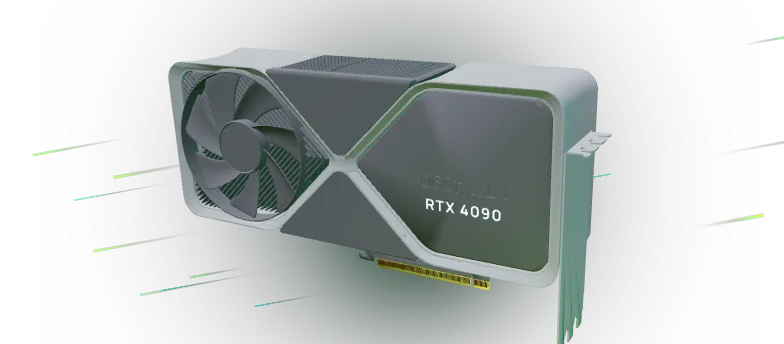
GPU rental by the minuteRTX 4090 from $0.656/h, RTX 5090 from $0.45/h, H100 from $3.52/h
Hourly price, billed by the minute. Sign in with e-mail, Google or Telegram
Live catalog· updates automatically
- GPUs available
- 6,782
- GPU models
- 109
- countries
- 72
Open resources
GPU catalog
Choose a GPU
783 free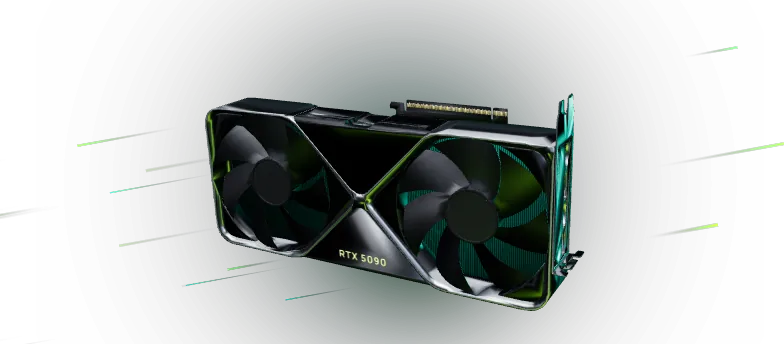
Templates & environments
Templates: everything preinstalled
Ready environments for image generation, LLMs and training, or your own Docker image. Drivers and CUDA are already there, so the server starts configured
Server terminal · ComfyUI
# server is up — connecting over SSH$ ssh -p 41022 root@203.0.113.24$ ollama listhuihui_ai/Qwen3.8-abliterated:27b 18 GB✓ Qwen 3.8 Uncensored is ready: https://<id>-7500.run.gpu.nz$# server is up — connecting over SSH$ ssh -p 41022 root@203.0.113.24$ nvidia-smi -LGPU 0: RTX 4090 · 24 GB✓ Uncensored Image Chat is ready: https://<id>-8188.run.gpu.nz/chat$# server is up — connecting over SSH$ ssh -p 41022 root@203.0.113.24$ nvidia-smi -LGPU 0: RTX 4090 · 24 GB✓ ComfyUI is ready: https://<id>-8188.run.gpu.nz$# server is up — connecting over SSH$ ssh -p 41022 root@203.0.113.24$ nvidia-smi -LGPU 0: RTX 4090 · 24 GB✓ Stable Diffusion WebUI Forge is ready: https://<id>-7860.run.gpu.nz$# server is up — connecting over SSH$ ssh -p 41022 root@203.0.113.24$ curl -s localhost:11434/api/tags | jq -r '.models[0].name'qwen3:8b✓ Open WebUI + Ollama is ready: https://<id>-7500.run.gpu.nz$# server is up — connecting over SSH$ ssh -p 41022 root@203.0.113.24$ tail -1 /var/log/vllm.logINFO: Application startup complete.✓ vLLM is ready: https://<id>-8000.run.gpu.nz/v1$# server is up — connecting over SSH$ ssh -p 41022 root@203.0.113.24$ python -c "import torch; print(torch.cuda.is_available())"True✓ PyTorch + Jupyter is ready: https://<id>-8080.run.gpu.nz$# server is up — connecting over SSH$ ssh -p 41022 root@203.0.113.24$ nvidia-smi -LGPU 0: RTX 4090 · 24 GB✓ Kohya SS is ready: https://<id>-7860.run.gpu.nz$# server is up — connecting over SSH$ ssh -p 41022 root@203.0.113.24$ nvidia-smi -LGPU 0: RTX 4090 · 24 GB✓ Ubuntu + CUDA is running$# server is up — connecting over SSH$ ssh -p 41022 root@203.0.113.24$ nvidia-smi -LGPU 0: RTX 4090 · 24 GB✓ Your own Docker image is running$
- VRAM
- 12 GB+
- Cheapest fit
- RTX 3060 · from $0.119/h
- After launch
- ComfyUI web interface
Choose an environment
Regions
Servers in 72 countries
Pick a country and see the price before you launch
72 countries
United States1,933 GPU
Sign up and rent a GPU
Top up from $2. Billed by the minute
What you can run
Ready environments and guides, from an AI chat to model training.
- ComfyUI
- Stable Diffusion online
- Ollama: your own ChatGPT
- vLLM: your own API
- Whisper
- Kohya SS
- Unsloth
- Ubuntu + CUDA
GPU rental: frequently asked questions
What is GPU rental and who needs it?
You rent a server with a powerful graphics card for as long as you need it and pay only for that time. It suits AI models, Stable Diffusion, model training and rendering when you have no GPU of your own or yours is too small.
How much does a GPU cost per hour?
It depends on the card: right now RTX 3090 at $0.273/h, RTX 4090 at $0.656/h, RTX 5090 at $0.45/h, A100 at $2.13/h, H100 at $3.52/h. Prices are live, refresh every minute, and you see the total before you launch.
How does per-minute billing work?
A minute costs the hourly rate divided by 60. The price is fixed when the server starts and does not change while it runs.
Do I pay for a stopped server?
Not for the GPU: stopping ends GPU billing. The disk stays billed while it exists, because it keeps your data.
How can I top up my balance?
The balance is topped up through SBP from any Russian bank or with cryptocurrency through CryptoBot (USDT, TON, BTC and others), from $2.
Pricing and top-upWhat happens if my balance runs out?
You get warnings 24 hours, 3 hours, 1 hour and 15 minutes ahead. If the balance cannot cover even one minute, the server is deleted together with its disks, so keep a buffer.
Which GPU should I choose for Stable Diffusion and AI?
SDXL runs on 12–16 GB of VRAM, FLUX is comfortable from 24 GB (RTX 3090 or 4090), 7–14B language models fit 16–24 GB, and 70B models need 48–80 GB.
VRAM guideWhat can I launch in one click?
Ready templates: ComfyUI, Stable Diffusion Forge, Open WebUI with Ollama, vLLM, Whisper, Kohya SS, Unsloth, a clean Ubuntu with CUDA, and your own Docker image. Drivers and CUDA are already installed, so the server starts ready to use.
All templatesHow do I connect to the server?
Over SSH, through a secure link to its web interface (for example ComfyUI), through the gpunz API and CLI, or from the Telegram bot @gpunzbot.
How long does it take to start?
Usually a few minutes; templates with models take longer on the first launch while the model downloads. A server that fails to start is not billed.
Where are the servers and can I choose a country?
Servers are in 72 countries. You pick the country and region in the catalog before launch, and the price is shown up front.
What is an interruptible server?
It costs much less but can be stopped if someone outbids you. Use a regular server for training without checkpoints, and an interruptible one for tests and batch jobs.