8 min read ·
FLUX.1, FLUX.2 and Kontext: which GPU you need and how to run them
Everything about the FLUX image model: FLUX.1 dev and schnell, FLUX.2, FLUX Kontext for photo editing, how much VRAM bf16, fp8 and GGUF need, and how to start it in one click.
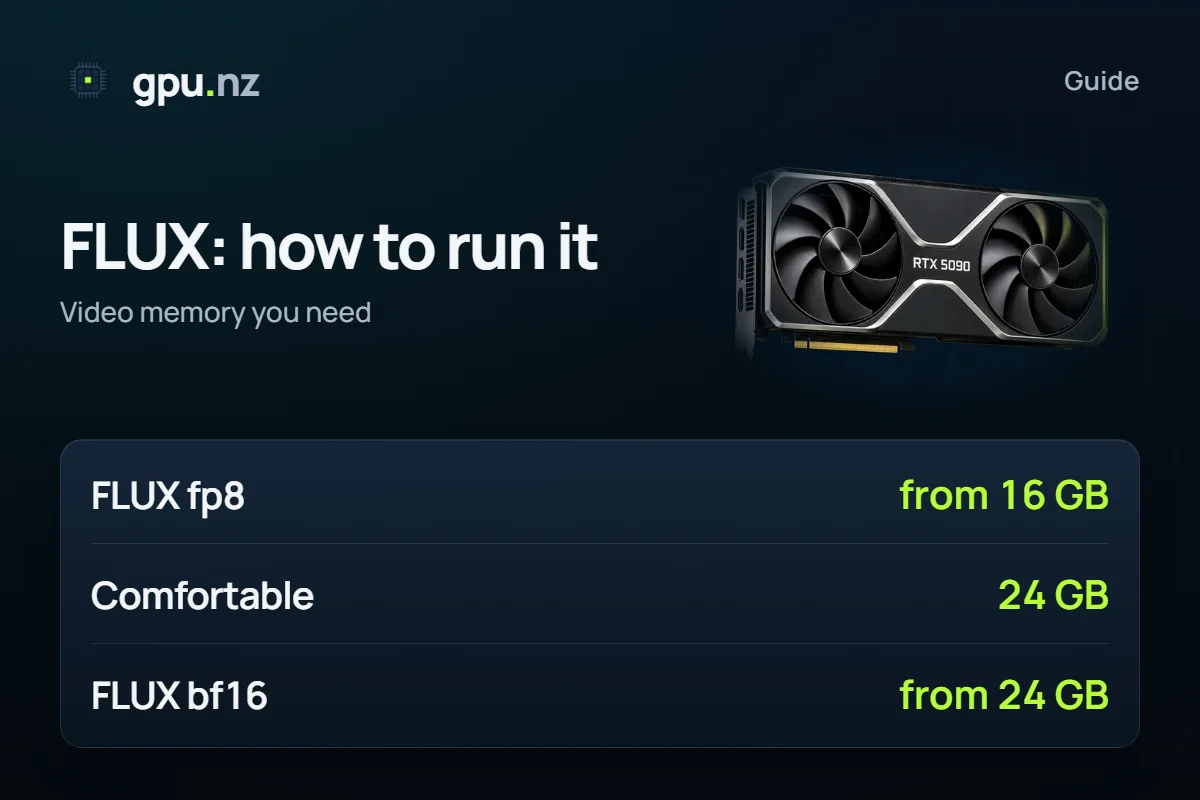
FLUX is a family of image models from Black Forest Labs. They follow a prompt more closely than Stable Diffusion and draw text better, but they are heavier: FLUX.1 needs 16 GB of video memory in the compressed fp8 format and 24 GB to be comfortable. If you have no such card, run FLUX on a rented GPU: on gpu.nz it is ComfyUI on a server with the memory you need, and you pay only for the minutes it runs.
FLUX versions
| Version | What it is | Licence: what to check |
|---|---|---|
| FLUX.1 schnell | The fast version, few generation steps | Open Apache 2.0 licence |
| FLUX.1 dev | The main version with the best quality | Non-commercial licence: read the author's terms |
| FLUX.1 Kontext | Edits finished pictures from a text instruction | Terms differ per version; check before commercial use |
| FLUX.2 | The next generation of models | Check the authors' page for the line-up and licences |
Licences change, so for commercial work read the text of the exact version you use. This is not legal advice: the page covers technical requirements only.
How much video memory you need
FLUX.1 has 12 billion parameters, so in full precision it takes a lot of memory. It is compressed, and the format decides which card can run it:
| Format | VRAM | What changes |
|---|---|---|
| bf16 (full precision) | 24 GB, better 40 GB and more | Maximum quality, more memory and time |
| fp8 | 16 GB minimum, 24 GB comfortable | Much less memory, a small loss of precision |
| GGUF (4–8 bit) | under 16 GB, with offloading | Runs on modest cards, slower and with some loss of detail |
These are guidelines from the size of the weights, not speed measurements: generation time depends on resolution, step count and card. The Kontext model and text encoders add to the memory use. For bf16 with room to spare, an H100 80 GB or an A100 80 GB fits; for fp8 an RTX 4090 24 GB is enough, and an RTX 5090 32 GB leaves space for LoRA files and several models at once.
FLUX Kontext: editing photos with words
Kontext takes a picture and an instruction such as «replace the background with a beach» or «make the jacket red», and changes only what you asked while keeping the rest. It runs in ComfyUI like regular FLUX: put the weights into models/diffusion_models, the text encoders into text_encoders, the VAE into vae, and open a ready Kontext workflow. If you want a simple chat for photo edits with no graphs, see the Uncensored Image Chat template, which runs FLUX.2 klein and Z-Image.
How to run FLUX on a rented GPU
- Pick a card in the catalog: 24 GB for fp8, 40–80 GB for bf16. The live hourly price is shown before launch.
- Launch a server with the ComfyUI template. Drivers and CUDA are already installed.
- Download the model weights straight to the server: the UNet into models/diffusion_models, then text_encoders and vae. The files are on Hugging Face.
- Open a FLUX workflow in ComfyUI, type a prompt and run it. ComfyUI Manager installs any missing nodes.
- Download the results and stop the server: the GPU stops billing.
You can train your own FLUX LoRA on the same server with the FluxGym and AI Toolkit templates. If you are still choosing between models, read the Stable Diffusion guide.
What one picture costs depends on the speed of your exact model, resolution and card. Work it out like this: time one generation on a rented server and multiply by the hourly price divided by 3600.
Questions and answers
- How much VRAM does FLUX need?
- FLUX.1 in fp8 needs 16 GB at least and 24 GB to be comfortable. Full-precision bf16 needs 24 GB with offloading and is better with 40 GB or more.
- How is FLUX different from Stable Diffusion?
- FLUX follows prompts more closely and draws readable text, but it is heavier and slower. Stable Diffusion SDXL is lighter and has more ready LoRA files.
- What is FLUX Kontext?
- A model for editing pictures: upload an image and write an instruction, and it changes only what you asked.
- Can I run FLUX without my own graphics card?
- Yes. Rent a ComfyUI server with 24 GB or more and pay only for the minutes it runs.
- Which card is best for FLUX?
- An RTX 4090 24 GB covers fp8. For bf16, several models at once and LoRA training, take an RTX 5090 32 GB or 80 GB cards.