6 min read ·
Whisper: transcribe audio and video on a GPU
Turn audio and video into text and subtitles with Whisper: large-v3, turbo and faster-whisper, which graphics card you need and how to work out the cost of an hour of audio.
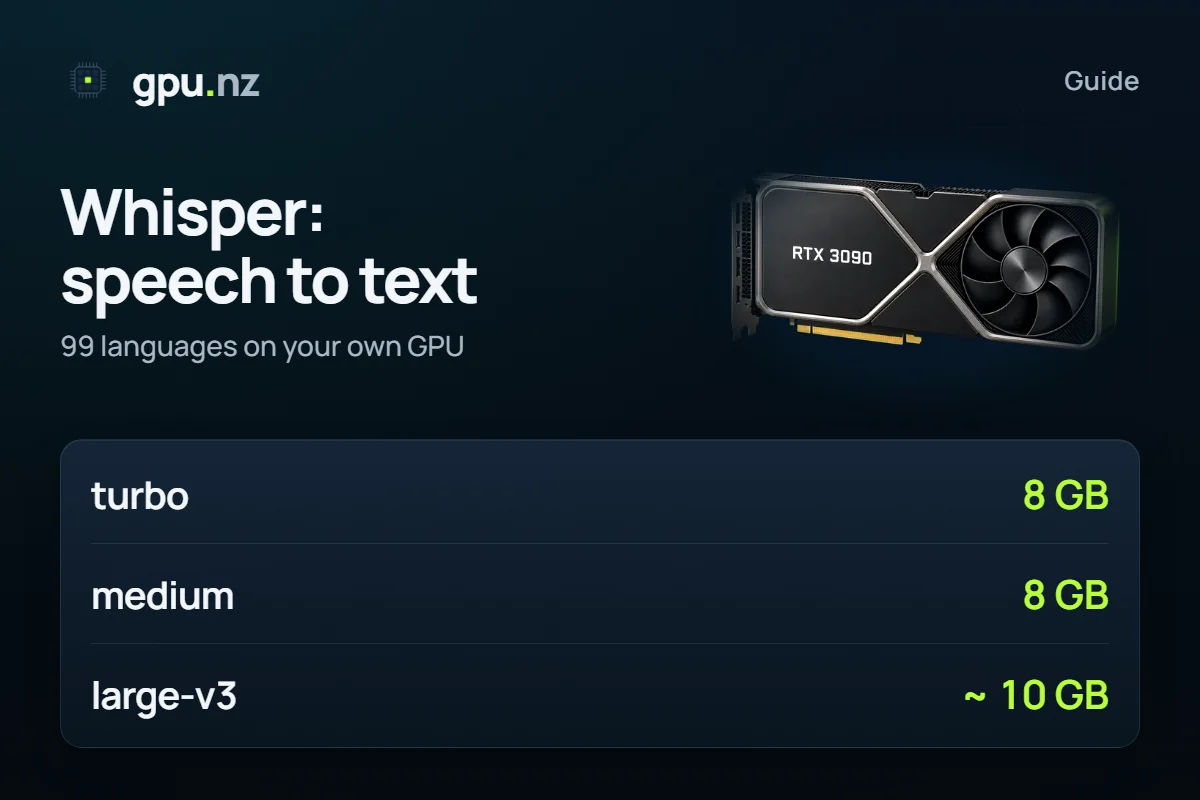
Whisper is OpenAI's open speech-recognition model: it turns audio and video into text and SRT or VTT subtitles in 99 languages, including Russian. On a processor an hour of recording takes long; on a graphics card it takes minutes. On gpu.nz Whisper starts from a ready template: upload a recording, get the text, stop the server.
Whisper models and the memory they need
| Model | VRAM | When to take it |
|---|---|---|
| turbo | 8 GB | Fast with almost no loss of quality, a good default |
| medium | 8 GB | An economical option for clean speech |
| large-v3 | about 10 GB, a card from 12 GB | The most accurate model, better with noise and accents |
For large-v3 an RTX 3060 12 GB will do; for a big queue of recordings a stronger card such as an RTX 4090 finishes sooner.
Whisper, faster-whisper and whisper.cpp: what is different
- Whisper from OpenAI is the original PyTorch implementation and the simplest to install.
- faster-whisper is the same model on the CTranslate2 engine: faster and lighter on memory, so it is often chosen for large volumes.
- whisper.cpp is a C++ version with no Python, handy on a processor or weak machines, but on a graphics card large files are usually processed faster by the other implementations.
How to transcribe a recording on gpu.nz
- In the catalog pick a card with 8 GB or more (12 GB for large-v3) and press «Rent» with the Whisper template.
- On the server page press the Whisper button: the interface opens through a protected link. The API button opens the documentation.
- Upload a recording, pick the language and the model. For subtitles choose SRT or VTT.
- Download the result and stop the server. Upload a large archive through JupyterLab or with scp, and process a whole folder through the API.
What an hour of audio costs
You pay only for the server's running time, so cost = hourly price × processing time in hours. According to the template, an hour of audio on a graphics card usually takes a few minutes. The exact time depends on the model, the card and the number of recordings, so test one file and scale the result. For a big queue it pays to upload everything at once and stop the server when the queue is done. The live hourly price is shown in the catalog before launch.
Quality tips
- State the recording's language explicitly when you know it: automatic detection sometimes errs on short files.
- For noisy recordings take large-v3.
- Split long recordings into parts if you want the first results back sooner.
- SRT subtitles open in video editors and players, VTT in browser video.
You can then process the result with a language model: make notes or a summary on a server with Ollama.
Questions and answers
- How do I transcribe audio or video to text with Whisper?
- Launch a server with the Whisper template, open the web interface, upload a recording, choose the language and model, and download the text or SRT and VTT subtitles.
- Which graphics card does Whisper need?
- turbo and medium fit into 8 GB of video memory; large-v3 needs a card with 12 GB or more.
- Does Whisper support Russian?
- Yes, Whisper recognises 99 languages, Russian among them. For accuracy, state the recording's language explicitly.
- How is faster-whisper different from Whisper?
- It is the same model on a different engine: faster and lighter on memory. It is often preferred for large volumes of recordings.
- How much does transcription cost?
- You pay only for the server's running time: the hourly price times the processing time. The live price is in the catalog before launch.