8 min read ·
Best Ollama models: what to run on 8, 16, 24, 48 and 80 GB
Which Ollama model to run on each amount of video memory: tags, file sizes, quantisation, pulling a model and the API. Qwen3, Gemma, Llama, DeepSeek R1.
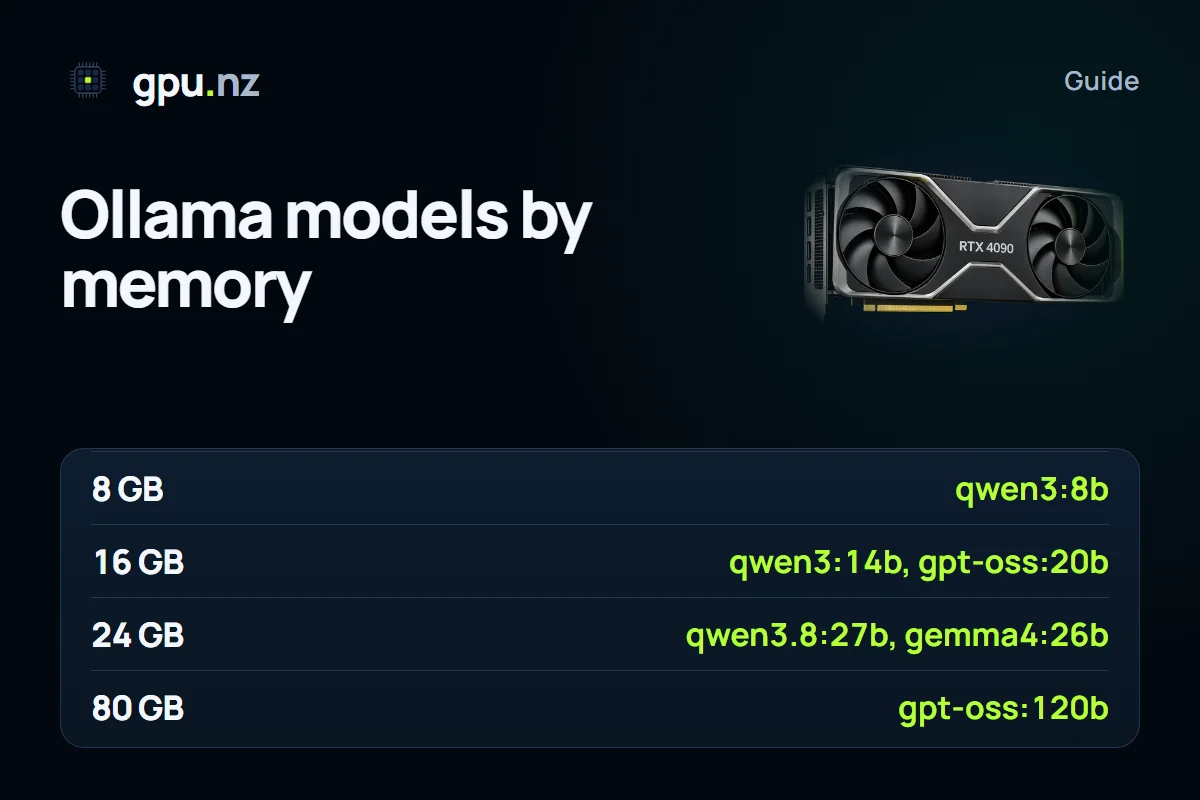
Choose a model by its video memory, because memory decides which model fits on the card in full. Below is a selection for five steps: 8, 16, 24, 48 and 80 GB. Every model installs with one command, ollama pull. On gpu.nz you can download a model from the Open WebUI + Ollama template, or enter its name in the «Model» field at launch, and it downloads on the first start.
How to read the table
The sizes are the files of Ollama library tags. A tag's quantisation is written in its description, and the file size shows how strongly the weights are compressed. The real memory use is about 20% higher because of the context and buffers, and a long conversation adds KV-cache memory on top. Leave headroom on the card. For the full calculation, see our guide how much video memory an LLM needs.
Two rows are mixture-of-experts (MoE) models: qwen3:30b and mixtral:8x7b. All of their parameters sit in memory, but only part of them work for each token, so generation is faster than in a dense model of the same size. The memory still has to hold the whole model.
| Video memory | Ollama tag | File | Good for |
|---|---|---|---|
| 8 GB | qwen3:8b | 5.2 GB | a general chat in Russian and English, with a reasoning mode |
| 8 GB | gemma3:4b | 3.4 GB | a compact model that understands images |
| 8 GB | qwen2.5-coder:7b | 4.7 GB | code and edits in a project |
| 8 GB | llama3.1:8b | 4.9 GB | English text, instructions, tools |
| 16 GB | qwen3:14b | 9.3 GB | text and reasoning usually stronger than 8B; room for context |
| 16 GB | gemma3:12b | 8.2 GB | text and images |
| 16 GB | qwen2.5-coder:14b | 9.0 GB | mid-sized code tasks |
| 16 GB | deepseek-r1:14b | 9.0 GB | step-by-step reasoning: maths, logic, code |
| 16 GB | gpt-oss:20b | 14 GB | OpenAI's open model, fits with a short context |
| 24 GB | qwen3.8:27b | 18 GB | the ready Qwen 3.8 chat |
| 24 GB | gemma4:26b | about 18 GB | text and images, long documents |
| 24 GB | qwen3:30b | 19 GB | MoE: fast generation with 30 billion parameters in memory |
| 24 GB | qwen3:32b | 20 GB | a dense model for text, code and analysis |
| 24 GB | qwen2.5-coder:32b | 20 GB | complex code and refactoring |
| 24 GB | deepseek-r1:32b | 20 GB | reasoning on hard problems |
| 24 GB | gemma3:27b | 17 GB | images and long texts |
| 24 GB | mistral-small:24b | 14 GB | a general mid-sized model for chat and tools |
| 48 GB | llama3.3:70b | 43 GB | long English texts and instructions; tight on 48 GB |
| 48 GB | deepseek-r1:70b | 43 GB | reasoning in the largest distilled model |
| 48 GB | mixtral:8x7b | 26 GB | an eight-expert MoE, fast chat; does not fit 24 GB |
| 80 GB | gpt-oss:120b | 65 GB | a large open OpenAI model on one card: GPT-OSS 120B |
Anything above 80 GB in file size needs two cards or a server with several GPUs. For example, qwen3:235b weighs about 142 GB, so it needs a multi-card setup.
Model families at a glance
- Qwen3 is a general line with strong multilingual text and a switchable reasoning mode. Sizes run from compact variants up to 235B.
- Gemma 3 and Gemma 4 are Google's models. Gemma 3 variants from 4B up, and every Gemma 4 variant, accept images.
- Llama 3.1 and 3.3 cover English text, instructions and tool calls.
- The distilled DeepSeek R1 versions are models for step-by-step reasoning. For details, see the guide how to run DeepSeek locally.
- gpt-oss is OpenAI's open-weight line: the 20B model fits in 16 GB, and the 120B model fits one 80 GB card.
- Qwen2.5-Coder is built for code: completion, explanation and edits.
- Mistral Small and Mixtral are a compact general model and an eight-expert MoE. Both suit quick chat and tool use.
Quantisation: which version to take
- Q4 is the trade-off between memory and quality. Take it by default.
- Q8 gives almost the original quality at one and a half to two times the size of Q4. It makes sense if you have memory to spare.
- fp16 is full precision, three to four times the size of Q4. For chat and code it is usually not needed.
- Below 4 bits you save memory at the cost of a clear drop in quality. Not recommended for serious work.
Tags with suffixes such as q8_0 or fp16 usually name a specific quantisation. Check the tag's description in the library before you pull it.
What is inside a tag
Before you spend time downloading, look at what sits behind a tag. The ollama show command prints the architecture, the parameter count, the quantisation and the default context length.
ollama show qwen3:14bTo update a tag, run ollama pull again: Ollama downloads only the parts that changed. When you no longer need a tag, remove it and the disk space is freed.
How to choose a model in three steps
- Work out the card's memory and the task: text, code, images or reasoning.
- Take the largest tag from the table that fits with room for the context. For a baseline, use Q4.
- Test the model on 10–20 of your own tasks. If the answers suit you, keep it; if not, move to a larger model or to another family.
This is quicker than comparing names. The size in the table tells you about memory, not quality: two models of the same size can differ noticeably in language and style.
How to pull a model
ollama pull qwen3:14b
ollama pull gemma3:12b
ollama list
ollama rm gemma3:12b   # frees disk space
On gpu.nz there are two ways. Run ollama pull in the server terminal, or enter the model name in the «Model» field of the template's launch form, using the same name as in Ollama, for example qwen3:8b. A Hugging Face model is pulled with a link of the form hf.co/organisation/repository:Q4_K_M.
How to call the API
Ollama serves a REST API, and its OpenAI-compatible routes live under /v1. From outside the server, the address is a protected link of the form https://<id>-11434.run.gpu.nz. Each request carries the access token from the server card in the Authorization header.
curl https://<id>-11434.run.gpu.nz/api/chat -H "Authorization: Bearer <token>" -d '{"model": "qwen3:14b", "stream": false, "think": false, "messages": [{"role": "user", "content": "Hello"}]}'The think parameter set to false turns reasoning off for models that support it, such as Qwen3. The answer comes faster, but without the step-by-step breakdown. The /api/tags route lists the installed models.
Images as input
Models with image support, such as Gemma 3 from 4B up and Gemma 4, accept a picture together with the text. In the API the picture goes in as base64 in the images field of a message. A text-only model cannot answer about a picture, so check that the tag supports images.
curl https://<id>-11434.run.gpu.nz/api/chat -H "Authorization: Bearer <token>" -d '{"model": "gemma3:12b", "stream": false, "messages": [{"role": "user", "content": "What is shown in this picture?", "images": ["<picture in base64>"]}]}'Default context
The context length is set by the OLLAMA_CONTEXT_LENGTH variable. In gpu.nz templates it is set to 8 thousand tokens in the Open WebUI + Ollama template, 16 thousand in most ready chats, and 32 thousand for GPT-OSS 120B. The bigger the context, the more memory the KV cache takes, so raise it deliberately and watch the memory with ollama ps.
Common mistakes
- The model does not fit: the processor column in ollama ps shows a share of CPU. Take a smaller quantisation or a card with more memory.
- The download stalls or breaks off: the files run to tens of gigabytes. Run ollama pull inside tmux or screen.
- The answers are odd or empty: check that you picked the chat tag, usually the instruct version, and not the base model.
- The disk is full: models take a lot of space. Remove the ones you do not use with ollama rm.
Where to start
If a model is new to you, start with 8 or 16 GB: at those sizes it is easier to see which tasks the model handles well. Then test the quality on your own examples, and only after that move to a bigger model. Minutes on a powerful card cost more, so choosing by memory saves money. You can pick a card in the GPU catalogue, and the API walkthrough is in the guide Ollama and vLLM on a rented GPU.
Questions and answers
- Which Ollama model should I use for chat?
- For an 8 GB card, qwen3:8b; for 16 GB, qwen3:14b; for 24 GB, qwen3:32b or gemma3:27b. There is no universal choice, so test the models on your own tasks.
- How do I download a model in Ollama?
- Use ollama pull with the tag name, for example ollama pull qwen3:14b. ollama list shows the installed models. On gpu.nz, you can enter the model name in the «Model» field when you launch the template.
- Which Ollama model is best for code?
- Qwen2.5-Coder: the 7b tag fits in 8 GB, 14b in 16 GB and 32b in 24 GB. For hard tasks, take the largest tag that fits your card.
- How big is an Ollama model?
- It depends on the size and the quantisation. For example, qwen3:8b is about 5 GB, llama3.3:70b about 43 GB and gpt-oss:120b about 65 GB. The exact size is on the tag's page in the Ollama library.
- How do I connect an Ollama model to my own app?
- Use the REST API on port 11434 or the OpenAI-compatible /v1 route. On gpu.nz, the address and the token come from the server page, and the token goes in the Authorization header.
- Can I run a Hugging Face model in Ollama?
- Yes, if the repository has a GGUF file. The command looks like ollama pull hf.co/organisation/repository:Q4_K_M. You can enter the same address in the «Model» field when you launch the template.